
Ziperase Array Erase
Erase Large Volumes of Individual Drives, Direct Attached Storage & Storage Area Network (SAN) Cabinets

Enterprise Grade Drive Erasure
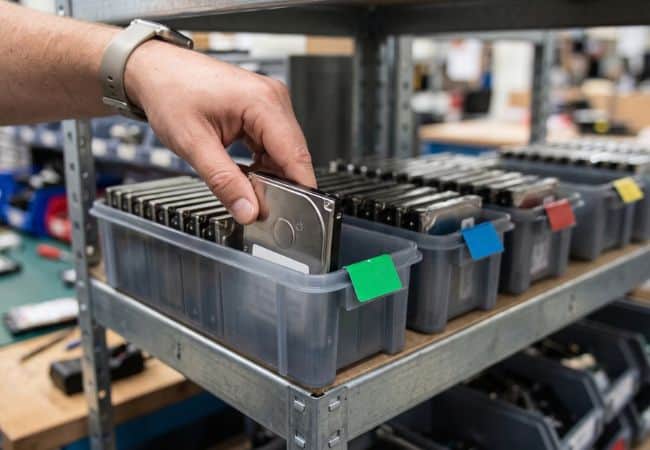
Run bulk hard drive erasure at full throughput, erasing every attached drive in parallel from one server. Ziperase Array Erase sanitizes loose and directly attached SSDs and HDDs, including SAN cabinets, to NIST SP 800-88 R2 and IEEE 2883:2022. ITAD providers and Enterprise IT teams use it for data center decommissioning and cloud migration projects.
The Real Cost of Sanitizing Drives One at a Time
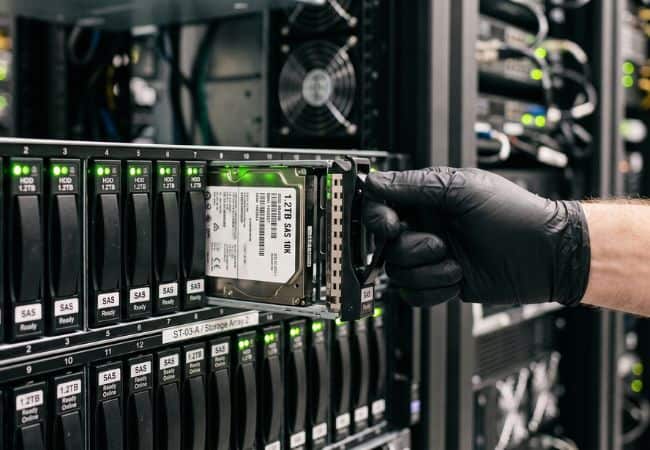
A data center closure or cloud migration leaves SAN cabinets full of drives and pallets of loose media to sanitize, usually against a fixed handover date. Once drives are pulled from their enclosures and servers, the link to the asset they came from is easily lost, and tracing each serial number back to its source turns into guesswork. Wiping them one at a time on standard benches builds a decommissioning backlog that grows faster than technicians can clear it. As the deadline closes in, a single drive missed in the rush can leave the building with data still on it, and one unwiped drive is enough to fail an audit and damage a customer relationship. Under that pressure, many teams send entire batches to the shredder, paying for physical destruction and turning reusable drives with resale value into scrap.
Data Center Decommissioning Certified
Ziperase software is ADISA Product Assurance & Common Criteria EAL2 certified, ensuring full compliance with IEEE 2883:2022 & NIST SP 800-88 R1 & R2 guidelines.

What High-Volume Erasure Changes for Your Operation
- More Capacity, Same Headcount: One operator starts every attached drive at once and tracks the whole batch from a single screen, so each shift clears more media.
- Recovered Hardware Value: Certified erasure leaves working SSDs and HDDs ready for resale, so decommissioned drives earn revenue on the secondary market.
- Audit Readiness: Each drive gets its own report with its serial number, customer details and operator ID, giving customers and auditors proof for every asset.
- Shorter Project Timelines: Technicians swap finished drives for new ones in the same bays while the rest of the batch keeps erasing, so decommissioning projects keep moving.
- Full Value from Licenses: Licenses from cancelled erasures are credited back, and unused licenses return to the Ziperase Customer Portal for use with any Ziperase disk erasure product.


Compliant


Erase Hundreds of Drives Simultaneously
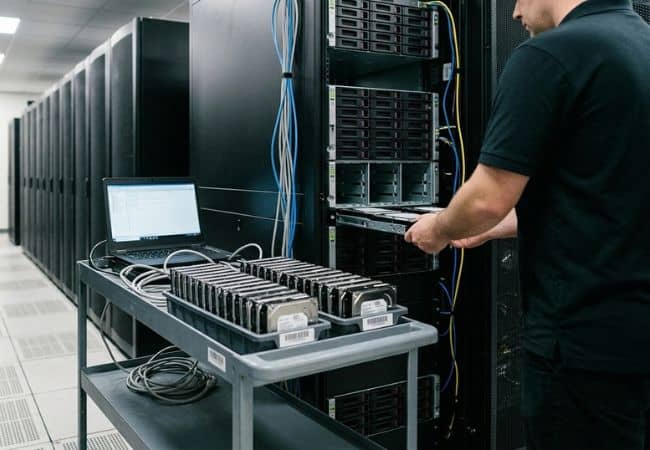
Load a full server of up to 256 drives and start them all with one click. Ziperase Array Erase runs every attached drive in parallel, each with the erasure method set for its media type, and technicians can change the method or start a single drive from its own line. Disk array expansion units map to fixed slot numbers, so every drive on screen matches its physical bay.
How It Works Supported Drive Interfaces
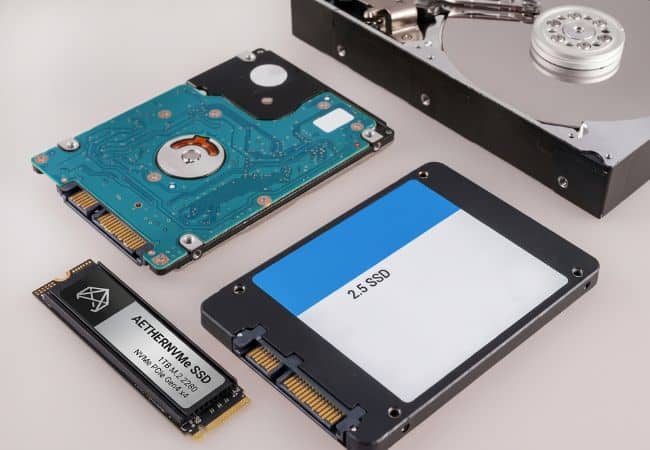
Erase the full mix of drives that comes out of a decommissioning project on one server, from older PATA and SCSI drives to current SAS and NVMe. Array Erase connects through HBAs and common RAID controllers such as HPSA and PERC, and supports these drive interfaces:
- NVMe
- SATA
- PATA (IDE)
- SCSI
- SAS
- Fibre Channel
- UAS
- SCSIe
- eMMC

S.M.A.R.T. Drive Monitoring
Grade drives for reuse before erasure starts. Ziperase Array Erase reads each drive’s S.M.A.R.T. data and can run a short self-test first, flagging any drive that crosses the limits you set for power-on hours, power cycles, temperature, health or reallocated sectors. The results appear on every erasure report, giving buyers a clear record of drive condition.
Erasure CertificateHot-Swap & Batch Handling
Keep bays full and batches moving while the server runs.
- Hot-Swap Drives: Pull a finished drive and insert the next one in the same bay, and the new drive takes over that bay’s line automatically.
- Clear Pass and Fail Status: Each drive shows a green check or red cross on completion, and its log records the cause of any failure, such as read errors or a failed verification, so technicians can resolve it and reinsert the drive.
- Locked Drive Handling: Drives secured with ATA passwords or TCG PSIDs unlock automatically from a supplied list, and licenses are only consumed by drives that unlock.
- Named Batches: Each drive joins the active batch when it is attached, and every batch produces combined PDF, CSV and JSON reports alongside the individual drive reports.

Certified & Compliant Drive Sanitization
Every drive leaves with its own tamper-proof erasure certificate, giving customers and auditors a per-drive record they can check. Ziperase Array Erase applies Purge-level erasure matched to each drive type, removes hidden areas before erasure and verifies the result, then reports every drive and every batch in PDF, JSON and CSV.
Certifications: ADISA Product Assurance Level 5 and Common Criteria EAL2
Standards: NIST SP 800-88 R2 and IEEE 2883:2022
Regulatory Frameworks: GDPR, HIPAA, PCI DSS and FERPA
Drive Erasure Software Integrations
Every erasure outcome lands in your asset and inventory records automatically. Connect Ziperase Array Erase to Ziperase Command Center to monitor and control every server remotely, centralize reporting, and push erasure data, serial numbers and drive details into ITAD ERP platforms including Makor ERP, RazorERP and IQ Reseller. Per-drive and batch reports export as JSON and customizable CSV, so results work with existing systems, including your ITAM software.
Software Integrations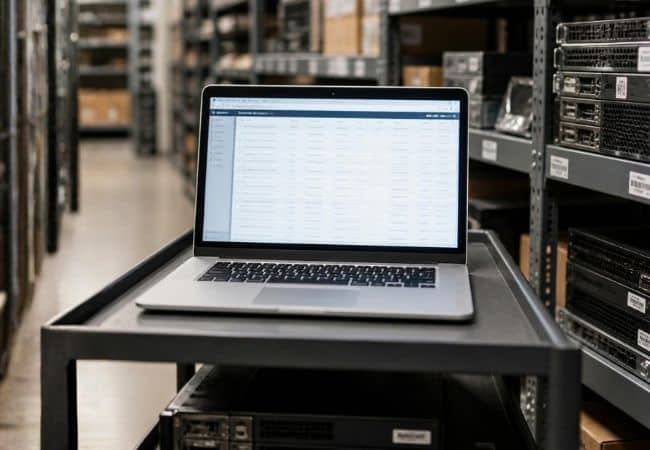
Ziperase Array Erase FAQs
Q: How many drives can Ziperase Array Erase process at once?
A: Ziperase Array Erase erases up to 256 drives at a time from a single server. Every attached drive runs in parallel with its own erasure method, and hot-swapping lets technicians replace finished drives while the rest keep erasing.
Q: Which drive interfaces does Ziperase Array Erase support?
A: Ziperase Array Erase supports NVMe, SATA, PATA (IDE), SCSI, SAS, Fibre Channel, UAS, SCSIe and eMMC drives, covering both HDDs and SSDs. Drives connect through HBAs and common RAID controllers such as HPSA and PERC.
Q: Can Ziperase Array Erase sanitize SAN cabinets and direct attached storage?
A: Yes. Ziperase Array Erase sanitizes drives attached directly to the server and drives connected through disk array expansion units, including SAN cabinets. Mapped enclosures show each drive by its slot number, so operators can match the screen to the physical bay.
Q: Does Ziperase Array Erase support hot-swapping mid-batch?
A: Yes, where the connected hardware supports it. Operators remove finished drives and insert new ones while the rest of the batch keeps erasing, and each new drive appears in its numbered bay on screen automatically.
Q: What does S.M.A.R.T. monitoring tell me about a drive?
A: S.M.A.R.T. monitoring reports a drive’s health status before erasure starts. You can run a S.M.A.R.T. short test and set limits for power-on hours, power cycles, temperature, health percentage and reallocated sectors, and the results are recorded in each drive’s report to guide reuse or retirement decisions.
Q: Which sanitization standards does Ziperase Array Erase meet?
A: Ziperase Array Erase erases to NIST SP 800-88 R2 and IEEE 2883:2022, including Purge methods and cryptographic erasure where the drive supports it. It holds ADISA Product Assurance Level 5 and Common Criteria EAL2 certification.
Q: What happens to a drive that fails erasure?
A: The drive is marked as failed on screen and in its report, with the reason recorded in the drive log, such as a read or write error, a failed verification or a drive outside your health limits. Operators can reseat the drive and run the erasure again.
Q: Q: Do I get an erasure certificate for every individual drive?
A: Yes. Every drive gets its own tamper-proof erasure certificate as a PDF, with matching JSON and CSV records, and every batch also gets a combined batch report.